> For the complete documentation index, see [llms.txt](https://help.swarmia.com/llms.txt). Markdown versions of documentation pages are available by appending `.md` to page URLs; this page is available as [Markdown](https://help.swarmia.com/features/run-developer-experience-surveys/how-we-show-your-survey-responses.md).
# How we show your survey responses
Responses are reported by team. You can choose whether to show your name in comments.
You need to be logged in to respond to a survey in Swarmia. We link your responses to your Swarmia profile and handle the information confidentially according to our [Privacy Policy](https://www.swarmia.com/privacy/). The survey administrators can see **only the information described in this article**. They'll have an option to share the results with the rest of your organization.
## How we report ratings
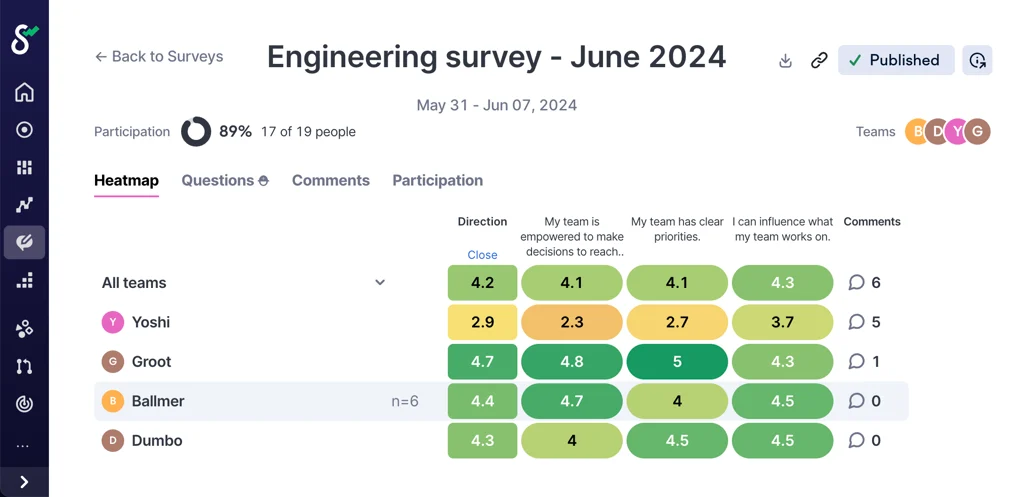
We report **ratings in aggregate by team**. We don't disclose which rating each individual has given.
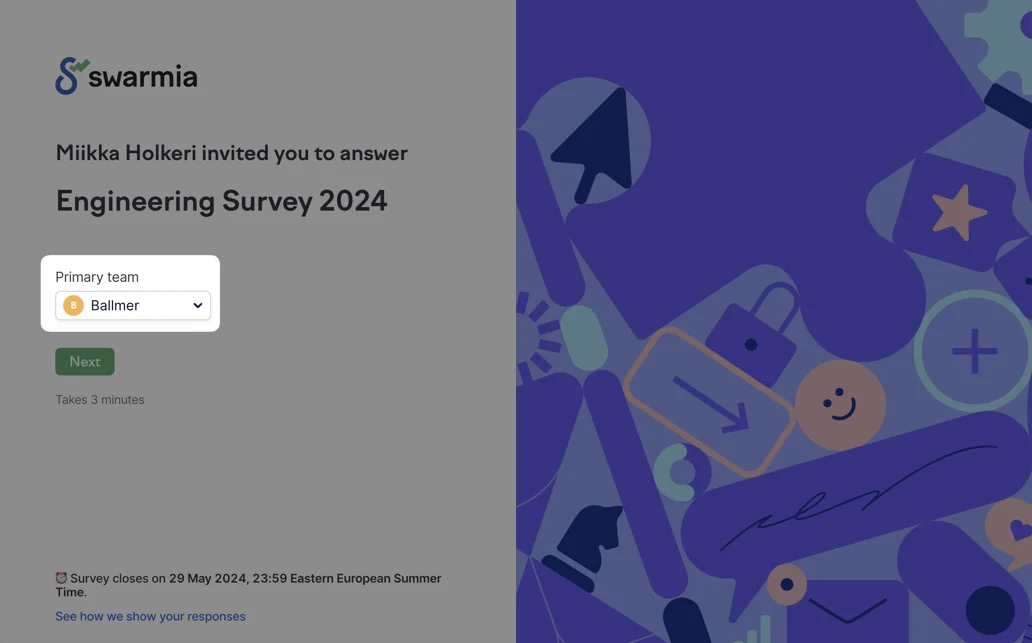
Each response is linked to only one team. If you're a member of multiple teams in the survey's audience, you can choose your primary team when starting the survey.
{% hint style="danger" %}
In some cases, such as very small teams, **inferring identities from team aggregates** might be possible.
If your team is part of a **higher-level team**, you can choose to record your response to it (as long as the survey creator has included it in the audience).
You can **skip individual questions** if you don't feel comfortable answering them.
{% endhint %}
## How we report comments
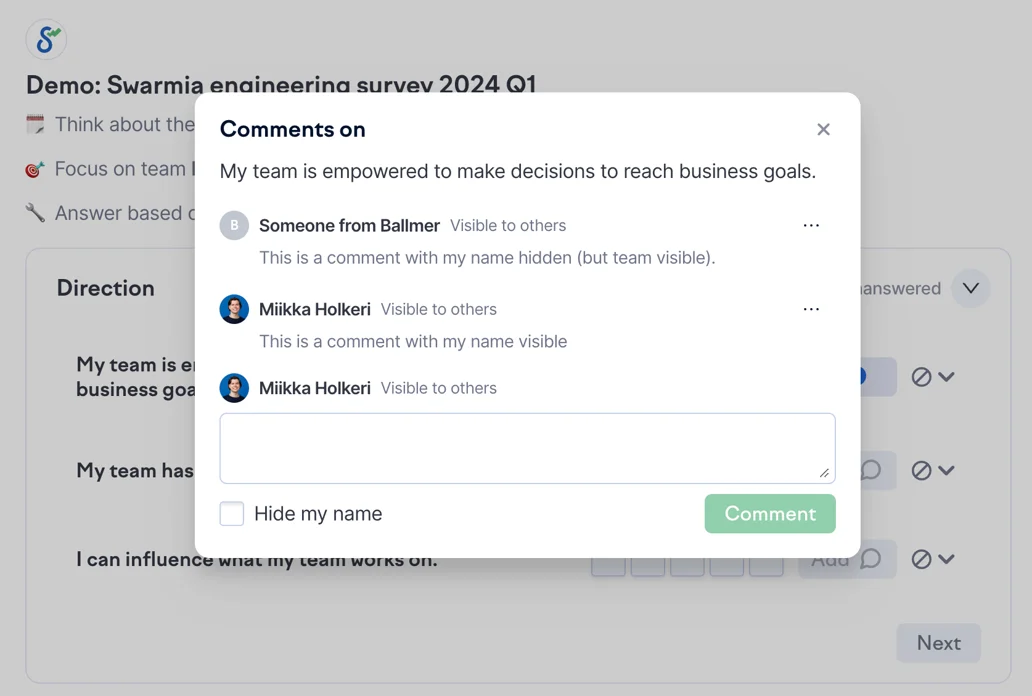
Comments are a way to contribute your improvement ideas related to the survey's themes. You can **choose whether to link your name to each of your comments**. We recommend commenting with your name to foster more open and actionable discussion.
If you don't want to associate yourself with a comment, you can tick the ***Hide my name***** checkbox**.
You can add **both comments with and without your name** to the same question. You'll see a **preview of how each comment will be shown** in the survey results.
{% hint style="danger" %}
Even if you choose to hide your name from a comment, we still **show it comes from your team**. In some cases, such as very small teams, it might be possible to **guess who gave the comment**.
It might also be possible to **identify you based on your writing style**.
{% endhint %}
---
# Agent Instructions
This documentation is published with GitBook. GitBook is the documentation platform designed so that both humans and AI agents can read, navigate, and reason over technical content effectively. Learn more at gitbook.com.
## Querying This Documentation
If you need additional information that is not directly available in this page, you can query the documentation by asking a question.
Perform an HTTP GET request on the following URL with the `ask` and `goal` query parameters:
```
GET https://help.swarmia.com/features/run-developer-experience-surveys/how-we-show-your-survey-responses.md?ask=&goal=
```
`ask` is the immediate question: it should be specific, self-contained, and written in natural language.
`goal` is what the user is ultimately trying to achieve, the reason they need the answer. Sharing it helps GitBook give you a better, more relevant answer. A goal is most helpful when it describes the outcome the user wants rather than restating the question. For example, with `ask=how do I create an API token`, a goal like `automate deployments from our CI pipeline` lets GitBook tailor the answer to that use case.
The response will contain a direct answer to the question and relevant excerpts and sources from the documentation.
Use this mechanism when the answer is not explicitly present in the current page, you need clarification or additional context, or you want to retrieve related documentation sections.